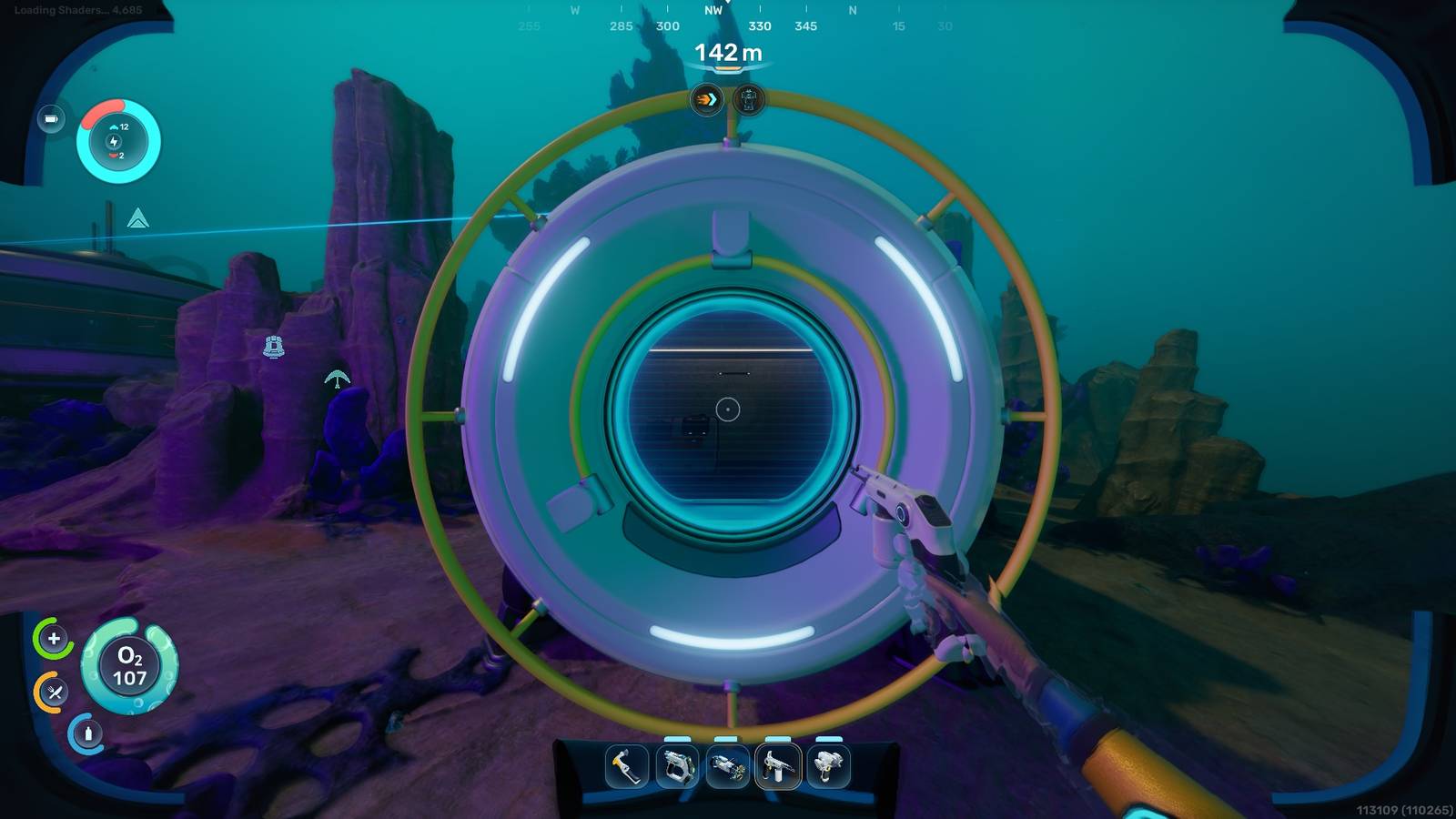
Despite its pure and optimized state, Subnautica 2 is still in the early access phase, which is why you might be wondering where the FoV slider is, as some technical features have yet to be added by the developers. Thankfully, hope is not lost!
If you have motion sickness and want to help with your health, then you can check out the Comfort Tweaks mod by Volitio! We have a guide that will take you through the step-by-step process to install it correctly, here.
How to get Feedback Resonator in Subnautica 2
You need to upgrade your Sonic Resonator to a Feedback Resonator to progress in Subnautica 2.
Installing the Comfort Tweaks mod requires the use of a Mod Manager, which we explain the steps to install below.
How to change FOV in Subnautica 2
Go to Nexusmods and download UE4SS Mod Manager for Subnautica 2. Now, extract the file. It will give you a “ue4ss” folder as well as a .dll file. Copy both and paste them into the following directory in the installation location of Subnautica 2:
-
Subnautica2 / Subnautica2 / Binaries / Win64

Inside the ue4ss folder is a Mods folder. Any new mod that you want to install on Subnautica 2 must be placed in this Mods folder.
It's now time to download the FOV mod. You can get the Comfort Tweaks mod from Curseforge. Once downloaded, extract the file. Copy the “Subnautica2ComfortTweaks” folder to the Mods directory above.
In the same Mods directory you should see one mods.txt file. Open it and add the following command to the list of mods in the file:
-
Subnautica2ComfortTweaks: 1
Save the txt file and close it. Now go to the “Subnuatica2ComfortTweaks” directory. Open the script folder. Then open the config.lua file with Notepad. Here, you will find a line that says “Target FOV = 100”. Changing that number will change the FOV of the game.
The higher numbers mean more zoomed out and the lower numbers mean more zoomed out. The default FOV for the game is 90. Note that 100 is not the maximum value. You can set it to something like 120 or even 130.

After adjusting the FOV, save the changes and close the file. If you run the game now, it will launch with the new FOV.
You can press F7 in-game to enable or disable the mod. This will toggle the FOV between the default value (90) and the value you specify in the configuration file.
This may seem like a complicated process, but just follow the guide as we've written it and you'll be enjoying a FOV slider in no time while you wait for an official one to release.
More Subnautica 2 guides
Want to progress faster in Subnautica 2? Check these out:
