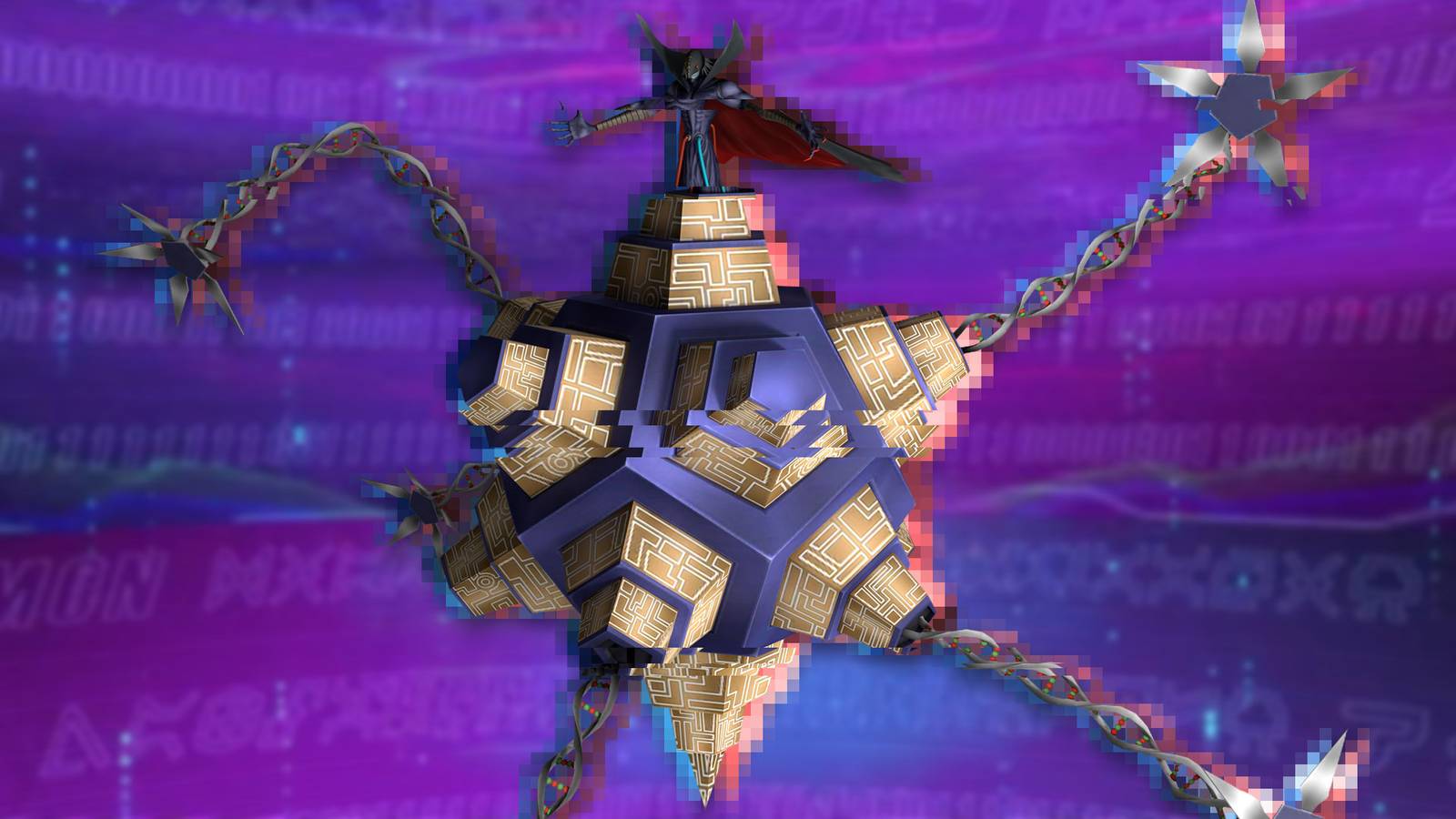
The Apocalymon Wall Dungeon is one of the most rewarding endgame content in the Digimon UPwhich offers valuable progression material and challenging battles for players looking to strengthen their teams. But many players have not been able to enter the dungeon due to a loading or matchmaking bug which prevents the dungeon from starting, making it impossible to claim its rewards.
Fortunately, there are some workarounds that have helped many players work around this problem. If you can't access the dungeon, clearing the game's cache is often the quickest and most effective solution before attempting more drastic measures like reinstalling the game. This guide explains how to enter Apocalymon Wall Dungeon in Digimon UPwhat to do if you get the connection error and the best troubleshooting steps to get back into the fight.
How to fix Apocalymon Wall Dungeon Bug in Digimon UP

In Digimon UP, joins the Apocalymon Dungeon is one of the primary sources of DigiPlates you can find in the game, so it's important to raise your SP Support Digimon Base level and unlock more battle buddies to help you in battle.
The problem is that most players experience the “joining bug” or “Matchmaking Bug” which freezes the screen when players try to join.
The first possible solution is to click the “Try” button and then wait for about 2 minutes without touching the screen for the game to load.

If this doesn't work, you can also press and hold the button for about 20 to 35 seconds to see if it works.
If the problem persists, try clear the cache. You can do that by following these steps:
-
Return to Digimon UP Loading Menu
-
Click on the “Menu” icon in the lower right corner.
-
When the new tab opens, select Clear cache
-
Select “Yes” (don't worry, this won't delete your progress)
-
Wait for the process to complete and then reload the game
-
The game will download important files again
-
Join the game and see if the problem has been fixed
If the problem persists, try a hard reset by uninstalling the app and re-downloading it from the App Store. Sometimes this is the only choice left as the files may have been corrupted and cannot be fixed by simply clearing the cache.
Since save files are stored on the server and associated with your email account, this means you won't lose any progress with this method either.
Is the Apocalymon Wall Bug fixed?

Maintenance was scheduled for July 22, 2026, and the developers said their priority would be to fix this bug that prevents some players from joining the Apocalymon Wall Dungeon properly.
If you still have problems, try the Clear cache trick or download the app again to avoid further complications. If the problem persists, please write a ticket from the support page for Digimon UP, because there is a chance that the problem could become a permanent obstacle to your development and should be fixed as soon as possible.
