The Nintendo Switch 2's mouse controller isn't something that all games use. The good news is that Pokemon Pokopia do, and it actually makes sense to use them if you're looking for more precise controls when crafting or building different structures in different parts of the world. In this guide, I will explain everything you need to know about how to use mouse controls in Pokopiaso you can use them as and when you need them.

How to demolish and move buildings in Pokopia
Fix the layout of your areas using tear and move kits in Pokopia.
Enable mouse controls in Pokemon Pokopia

First, you need to make sure that the mouse controls are enabled. To do this, open your Pokedex by pressing the + button on your Pro Controller or right Joy-Con, then select the “Settings” option (this is the little gear icon).
From here, on the “Games” tab (the first one that opens), scroll down until you find the “Mouse Mode” setting. Make sure this is set to “On”. This should be the case by default, but if, for some reason, it isn't, turn it on and then confirm your changes when you back out of the menu and return to the game.
How to use mouse mode in Pokopia
Once mouse mode is activated, remove the Joy-Con from the side of your Switch 2 and place one of them with the magnetic side (the part that attaches to your Nintendo Switch 2) facing down on a surface.
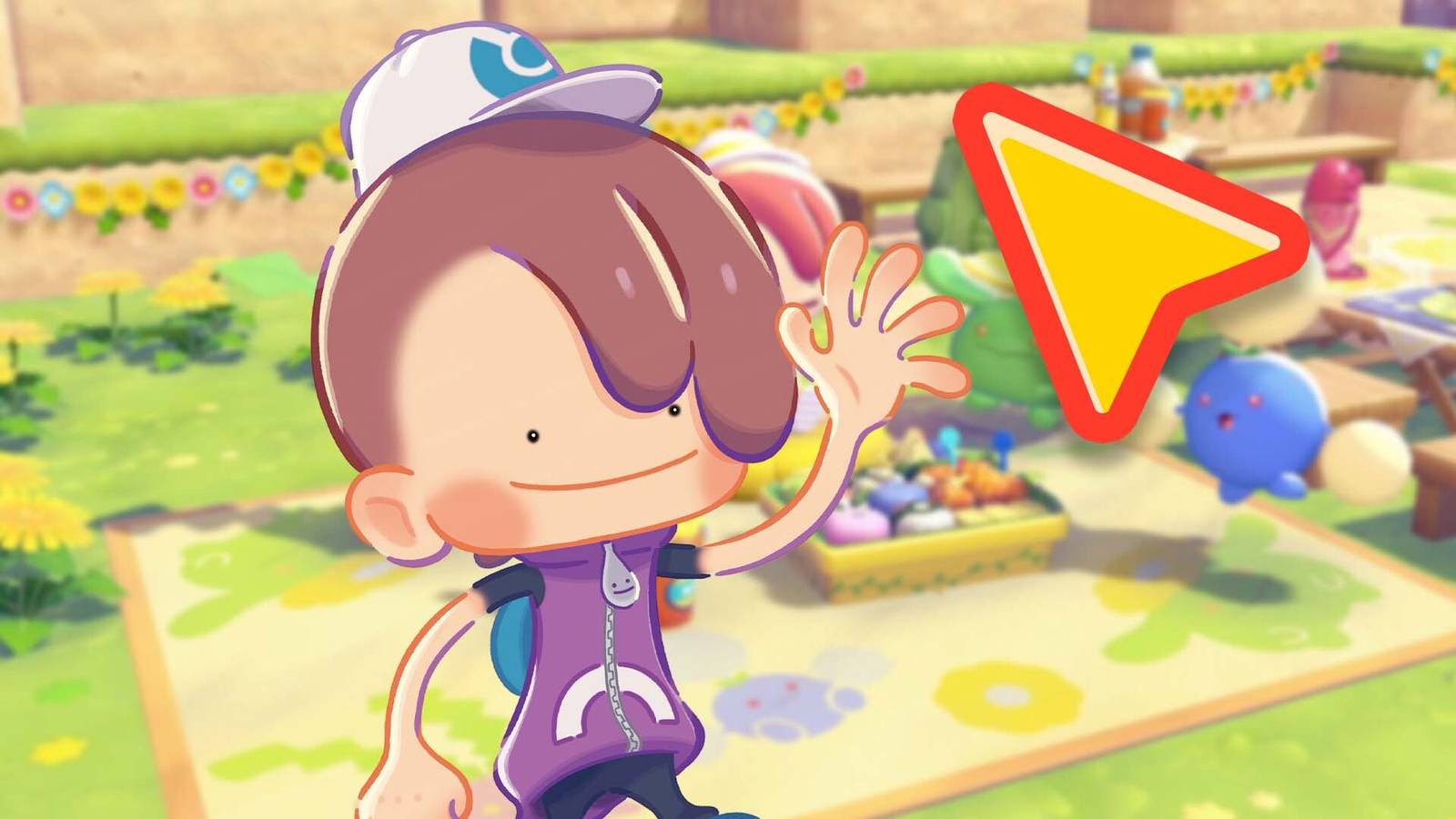
You should automatically see a small yellow marker with a red outline appear on the screen. Moving the Joy-Con down on the surface should cause the cursor to move around the screen.

Mouse mode controls can be used to either place items or blocks, or use Rock Smash to destroy blocks in the world. Pressing ZL or ZR will use your Rock Smash ability, while pressing L or R will place the item or block you currently have equipped.
While only being able to use your Rock Smash ability is limiting (I would have loved to have been able to use mouse controls for more precise aiming of my water gun ability), it's still incredibly handy when you want to pick a specific space to place a block, or a single block to remove. I've found that the standard analog stick controls aren't the most accurate when trying to perfect the layout and aesthetics of one of the game's areas.


- Released
-
March 5, 2026
- ESRB
-
Everyone/user interacts, buys in the game

