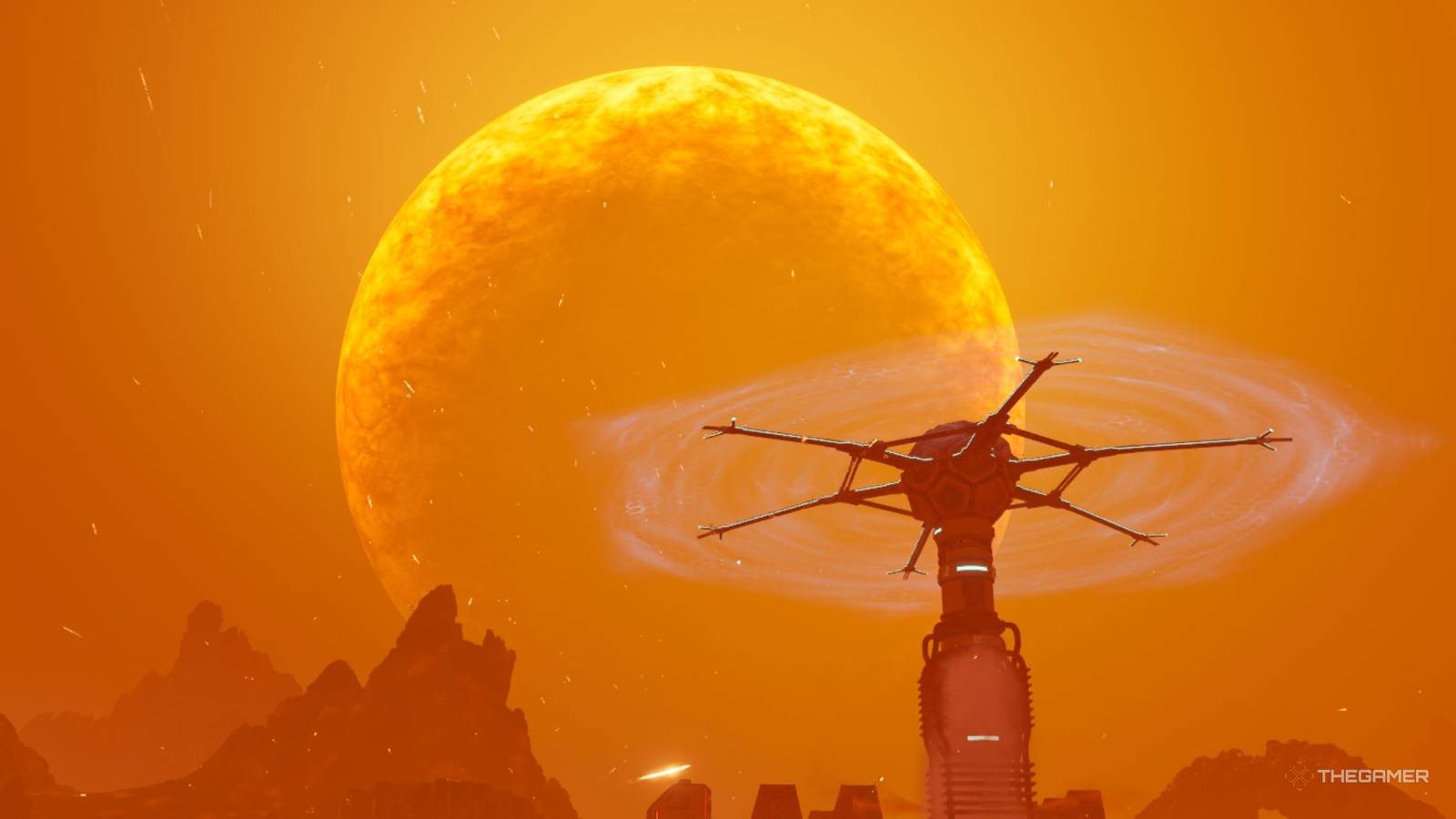
There are many open-world Survival and Factory Simulator games out there, but not many games have both of these genres together, which is why StarRupture is such a special edition for the industry. After a not-so-soft landing when you first start playing this game, you have an entire planet ready to explore.
But if you prefer to build your base and make your production more efficient, there's plenty of stuff here for you too. The game can be quite overwhelming when you first start playing because of the information you have to take in, but these tips will streamline your experience and help you enjoy it much more.
StarRupture is currently in Early Access, and the things mentioned in this article are subject to change.
How to unlock the map

One of the first things you'll notice when you land on Arcadia-7 is that nothing happens when you press the button that generally opens a map in most open-world games. This is because the map feature is not unlocked by default in StarRupturebut that doesn't mean you have to play the entire game without it.
The main development in the game revolves around satisfying large corporations back on Earth by sending them various crafted items. Moon Energy Corporation is one of them, and they give you different rewards after completing each order. Once you reach level three of this company, you will unlock the map, which can then be accessed by pressing M on your keyboard.
To reach level three, you must finish two more orders for Moon Energy Corporation after completing the tutorial.
Unfortunately, the game doesn't have a minimap at the moment, which means you have to open it in full screen. It automatically syncs all the areas you've explored when you unlock it, and you can discover more areas by exploring around and clearing the fog of war.

10 Best Simulation Games on PC
If you like a good simulation game on your PC, check out the best deals you can find!

One of the first things you will do once you enter Arcadia-7 is to get out your mining tool and harvest different ores or meteorites on the map. You will be asked to do this in the tutorial, and it will be an important step as you will need these ores for production and the meteorite stone to create your base core.
But when you mine these ores with your tool, you'll see a heat rod build up at the bottom. If all three rows of this bar fill up, the tool will overheat, and it will increase the time it takes to cool down over the next few minutes. You can easily prevent this by pressing the reload button on the tool just before it fills up all the bars.
You can switch characters at any time

When you start your game in StarRupture, you will be asked to choose between one of the four characters, although this has no effect on the actual gameplay. These characters bring different dialogues to each situation depending on their personality, and they're just there to help you immerse yourself in the environment a little more.
But if you accidentally pick a character you didn't want here, you can easily change them through a regeneration chamber, which is there by default in your ship, but can also be made with 100 basic building materials in any of your other habitats. In addition to changing your character, these chambers also act as a respawn point.
You can only have one of these as your active respawn point at any time.
If you are about to enter a tough hostile area, it is highly recommended create a habitat with a new regeneration chamber so you have a place nearby to revive.
Always have plenty of ammo

You can run out of many things on Arcadia-7 including outposts to explore, but enemies will never be one of them. Each time the planet fully regenerates after a wave, these enemies respawn in different locations, and they will continue to do so even if you've defeated them. The only place where enemies don't respawn is inside outposts when you have explored them fully.
Therefore, if you are planning to go on an exploration trip, you would want to have a lot of ammo in your inventory. Each gun uses a different type of ammo, and you can easily use over 500 of them in a single exploration trip due to the sheer number of enemies you'll face. thankfully, ammo can be easily crafted with certain basic materials.
How to unlock your first weapon

Speaking of ammo, you won't need much of it until you have your own weapon, which isn't unlocked by default. Technically, you can use your mining tool as a weapon since its laser damages enemies, but you will only able to deal with smaller hordes of enemies in the starting area with it.
To deal with larger hordes, you need to unlock your own weapon. This can be done by reaching level two at Griffits Blue Corporation by completing one of their orders after the tutorial. This will unlock the UP-7 Pistol, which has nine rounds in a magazine as standard. This is a basic weapon, but you also have some advanced weapons in the game:
-
MAR-9 “Phantom” (assault rifle)
-
SLAMS-12 (shotgun)
-
M175 “Grim” (Machine Gun)
You can unlock these three weapons and their various accessories by spending war bonds after you get the Equipment Upgrade Station.
Beware of wave explosions

As you go about your day in Arcadia-7, you will periodically hear a dialogue saying that increased Ruptura activity has been detected. This is an important dialogue because it signals an incoming wave, which is happening due to the star break on the planet. A few seconds after this announcement, you get a countdown for the scalewhich only lasts 15 seconds.
When the wave hits, there will be a giant explosion over the planet, which will instantly kill you if you don't hide. In addition, after the explosion, the planet stays at a high temperature for a whilewhich further damages you every second. The only way to prevent all this damage is by entering one of your habitats.
The underground caves or abandoned outposts don't prevent yourself from taking damage from overheating.
Therefore, when you are out exploring, it is highly recommended to have at least one meteorite heart and some basic building materials to create protection for you if the wave hits.
Pay attention to structural light

If you've played a factory simulator game before, you might already know how overwhelming it can get as you get further into the game and start creating more materials. You have to keep track of many more buildings and storage, but it can be much easier in StarRupture because of the three bright colors on each building. Here's what each color represents:
|
Blue |
This means that the building is functioning normally. |
|---|---|
|
RED |
When you see one or more buildings flashing a red light, that's it means that there is not enough power in the networkand you need more power generators. |
|
Yellow |
The yellow light can mean many things in your buildings, but that's it something that prevents them from working properly. Not choosing a recipe for the building or having a shortage of input materials is one of the most common reasons for this. |
Outside of your own factory, lights can also be useful when exploring abandoned outposts as everything you can loot has a yellow light, which includes rubble and various excavators or other structures.
Look for enemy weak points

As you explore different parts of the map in StarRupture, you will encounter different types of enemies. Some of them are common but can be easily defeatedwhile others are rarer and harder to kill. But one of the most important things to remember is that all enemies have a weak point.
For most enemies, these weak spots are their glowing red eyes, but it can also be other body parts, such as the crab enemy's small tail that protects itself from all damage. You'll save a lot of your ammo if you focus on these weak points whenever you can, so you can explore a lot more at once.

18 Best Driving Simulation Games
Driving sims are much more realistic than standard racing games – and that can make them so much more fun to play.
