Quick links
-
Why you need to adjust the brightness in STALKER 2: Heart of Chornobyl
-
Ideal brightness settings for STALKER 2: Heart of Chornobyl
Fans all over the world – except in Russia – dive into the rich, immersive world of STALKER 2: Heart of Chornobyl. Released on November 20 for Xbox Series X|S and PC, the long-awaited sequel has been making waves in the gaming community.
Although the game has received praise from critics and players alike, some issues have drawn criticism, particularly in terms of performance and visual fidelity. A common complaint is how overly dark the game looks. While this may be a deliberate artistic choice by the developers, it has frustrated many players. If you are among those struggling with this issue, the guide below will help you adjust the settings to improve visibility.

Family
STALKER 2: Heart of Chornobyl – How Long to Beat
Acknowledging the length of the main story and complete playthrough times, here's how long it might take to beat STALKER 2: Heart of Chornobyl.
Why you need to adjust the brightness in STALKER 2: Heart of Chornobyl
STALKER 2: Heart of Chornobyl is a visually impressive title, which is no surprise given its development with Unreal Engine 5. However, many players may struggle to appreciate its detailed world during the game's opening sequences, as these sections take place at night in near-total darkness.
Even if you are equipped with a flashlight, its limited range and brightness will barely illuminate your surroundings. This overwhelming darkness can make traversal challenging, forcing some players to turn up the game's brightness just to see where they're going. If you find yourself in this situation, it may be necessary to adjust the settings.
Before you go fiddling with your in-game settings, make sure your screen brightness is set to maximum and that features like night light or reader mode are disabled.

Family
STALKER 2 is already a huge hit on Twitch
GSC Game World's first-person shooter STALKER 2: Heart of Chornobyl is achieving massive success on Twitch shortly after its launch.
Ideal brightness settings for STALKER 2: Heart of Chornobyl

To improve your STALKER 2 experience, adjusting the brightness can make a world of difference. Follow the steps below and your game will look clearer than ever:
- Open the Settings menu.
- Go to the Display tab.
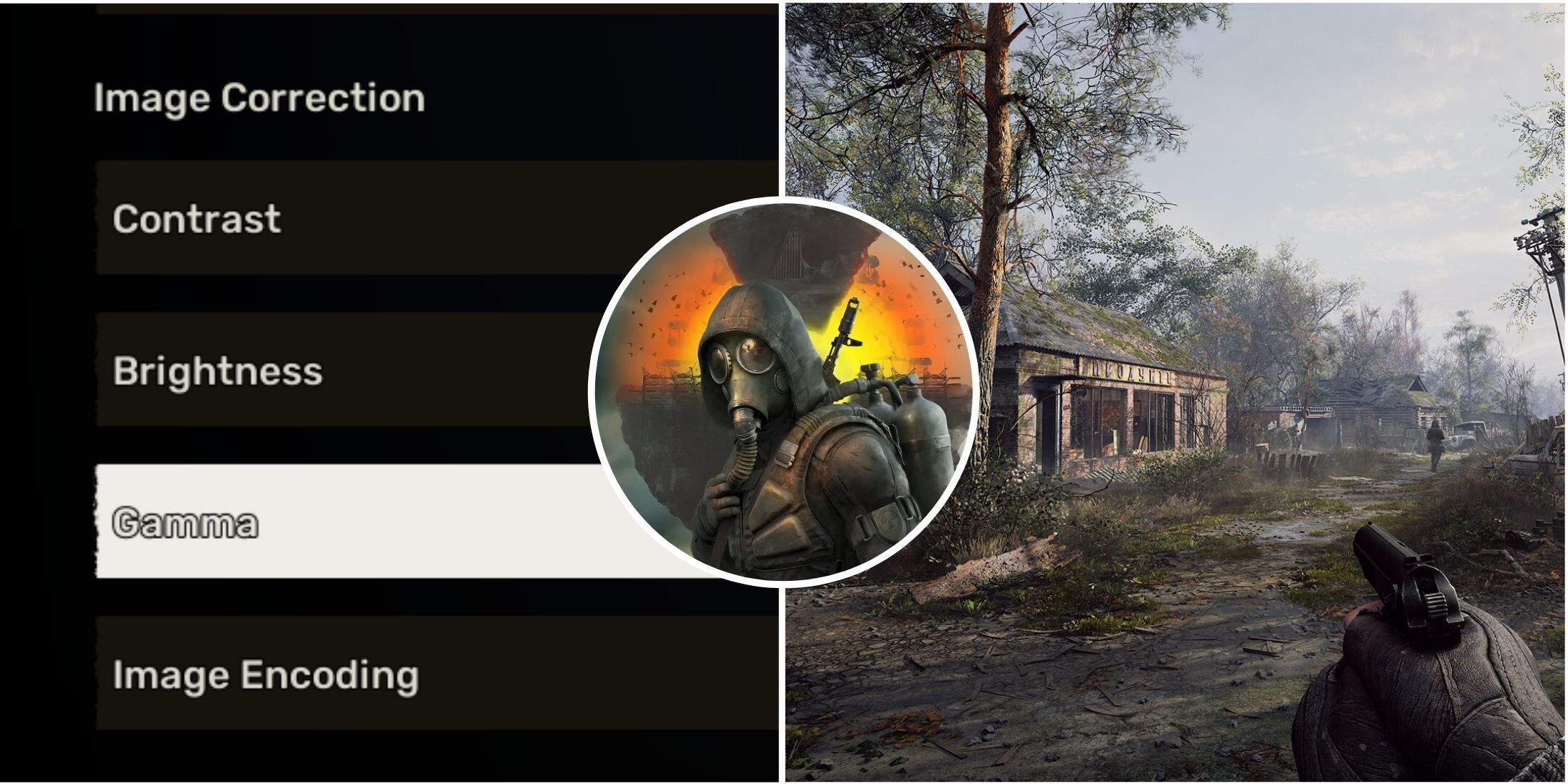
- Scroll down to the Image Correction section.
- Use the following settings for a clearer and more visually striking image:
- Contrast: 50
- Brightness: 50
- Gamma: 70
- Image encoding: sRGB (LDR)
- Press F to save and apply your changes.
If you are still not satisfied, try increasing the Gamma further for better visibility. Feel free to adjust contrast and brightness as needed for a more personal setting. Don't worry about making mistakes, because you can always revert to default brightness by pressing R.



- Released
- November 20, 2024
- Engine
- Unreal Engine 5
- ESRB
- M for mature 17+ due to intense violence, blood, drug and alcohol use, language, crude humor
