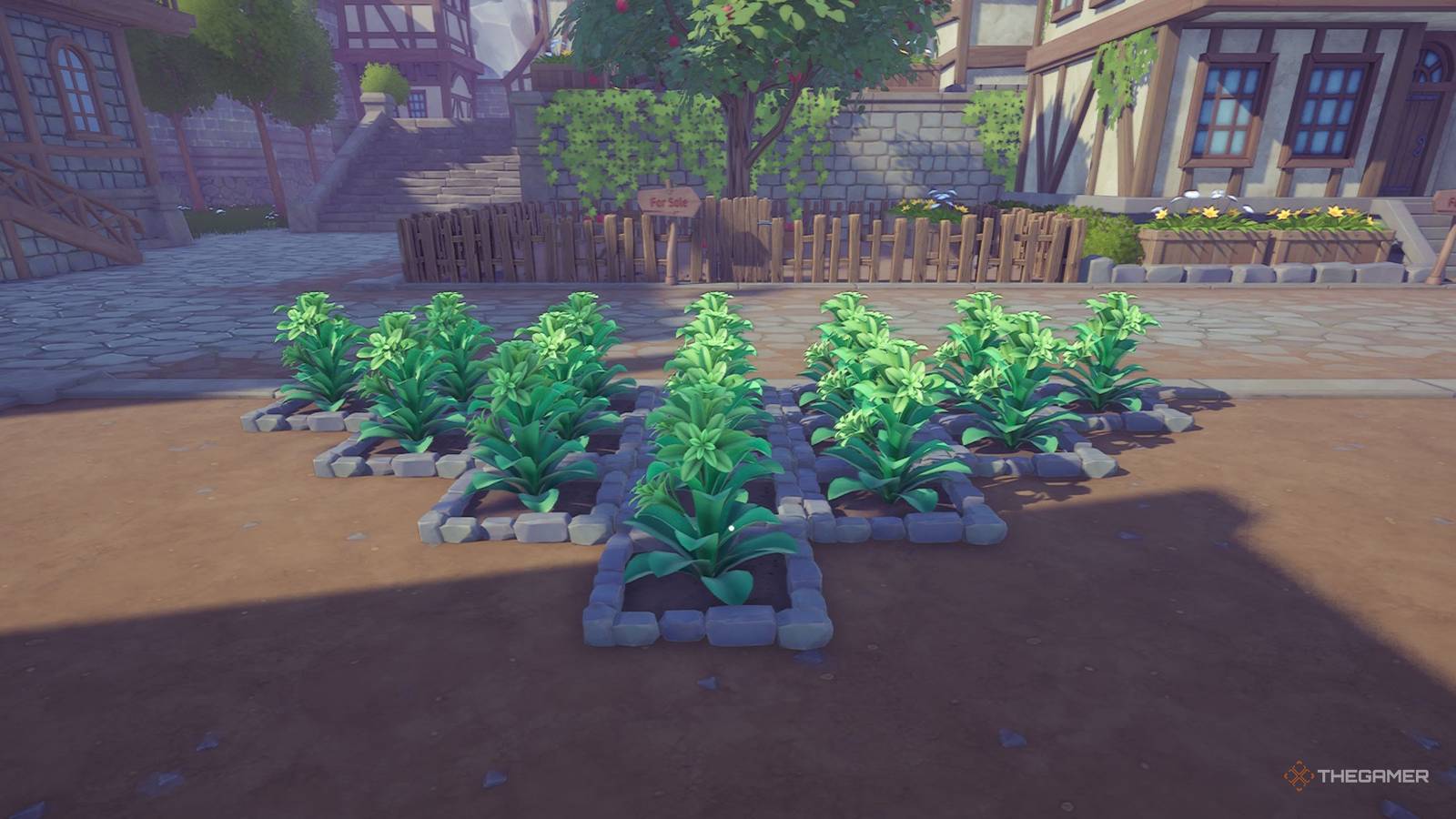
Alchemy factory doesn't have a huge tutorial because it doesn't teach you many things and leaves you to figure them out yourself. Although the few things it does show are how you can start crafting items, manage your shop and grow some plants. Initially, you can only do the last part manually, which does not feel the best due to the short duration between each plantation.
But growing plants is an important mechanic in the game as you can get important items like ropes, healing potions and bandages from it. Thankfully, you can automate this process after you reach level four, and here's everything you need to know about growing plants both manually and automatically.
Alchemy Factory is currently in Early Access, and everything in this article is subject to change.
How to grow plants manually

Manual planting of any crop is quite simple, and you only need a seed plot and a seed for it. You can create a seed plot by pressing the build key (Q on the keyboard by default) and select Seed Plot from the Raw Material Production section. This takes eight stones and can be placed in a square area both on the ground and on the table.
Once you have the plot, you can go over to the shop right in front of your shop and buy some seeds. In the beginning, you can only buy flax seeds, and other seeds are unlocked at certain levels. You can see these levels when you hover over these seeds in the store. After purchasing the seeds, you can interact with the Seed Plot and select the desired seed package.
After choosing the seed you can see the time it takes to grow them by hovering over the plot.
When the countdown is over, you can harvest the plot to get a bunch of the plant, and then replant the seeds again. Repeat this process for as many plants as you need.

Roblox: 17 Best Simulator Games
In Roblox you can play all sorts of different games. Here are some of the very best simulator games.
How to automate plantation

Much like everything else in Alchemy Factory, you can also plant and harvest different crops automatically. To do this, you must first reach level four and investigate the nursery. Once you've researched it, you can place this anywhere with 12 iron ingots and six clays for each plot, and then you can plant a desired seed inside.
Unlike Seed Plot, a seed is not used by the nursery. Instead, you must constantly provide it with fertilizer to get a regular number of the crop you planted. Fertilizers require some lime powder and plant ash, and here's how you can make them:
-
Quicklime Powder can be made by first putting a limestone through a stone crusher and then putting the stone through a crucible for some quicklime. You can then add quicklime through a mill to get Quicklime Powder.
-
Plant ash can be easily made by first harvesting some sage and then put it through the crucible.
Essentially you need automation with everything to make this process fully functional, starting with a buying portal which allows you to buy limestone and sage seeds for the fertilizer.

15 Best Games That Let You Run a Store
Some games prove that running a store can be fun.
